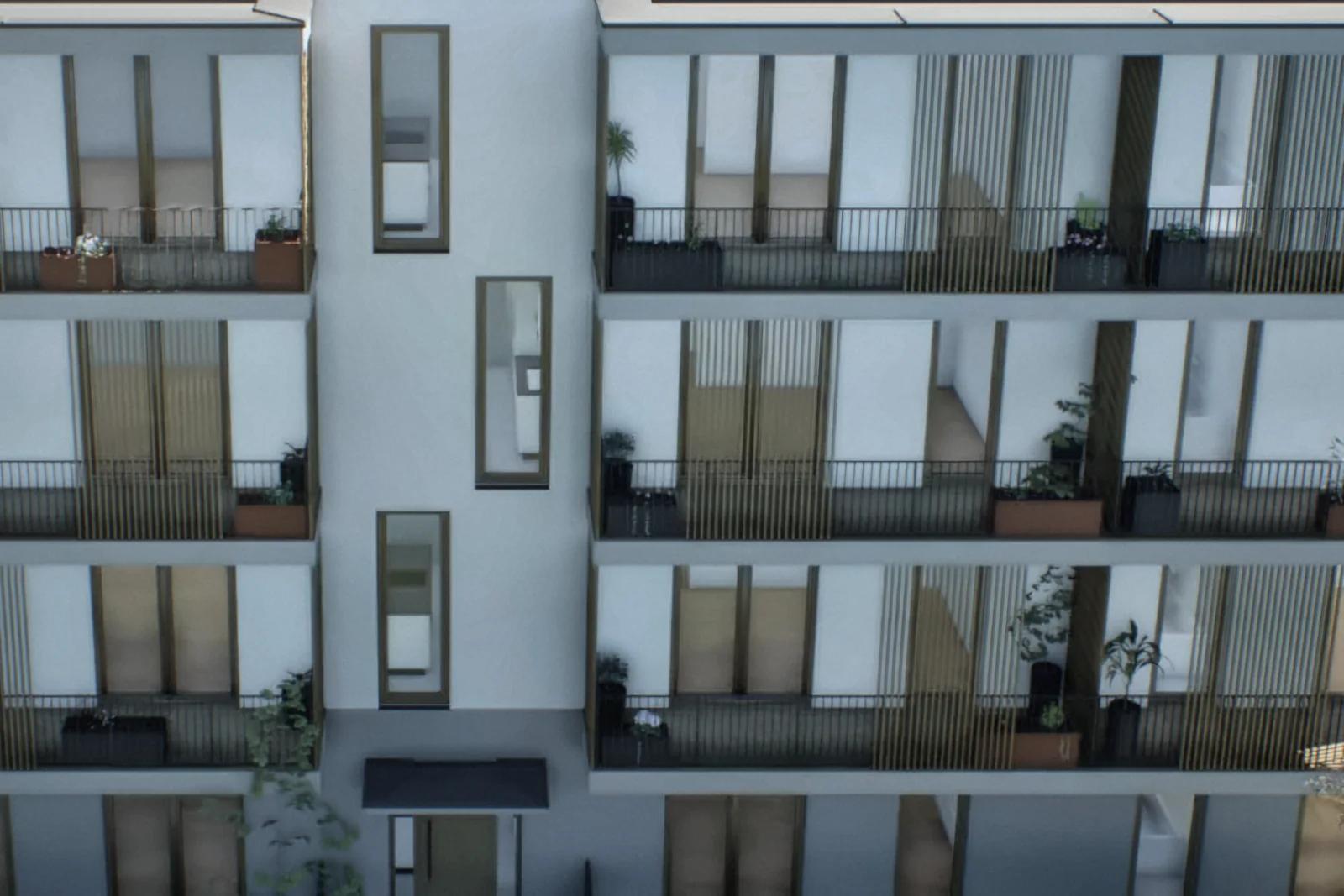
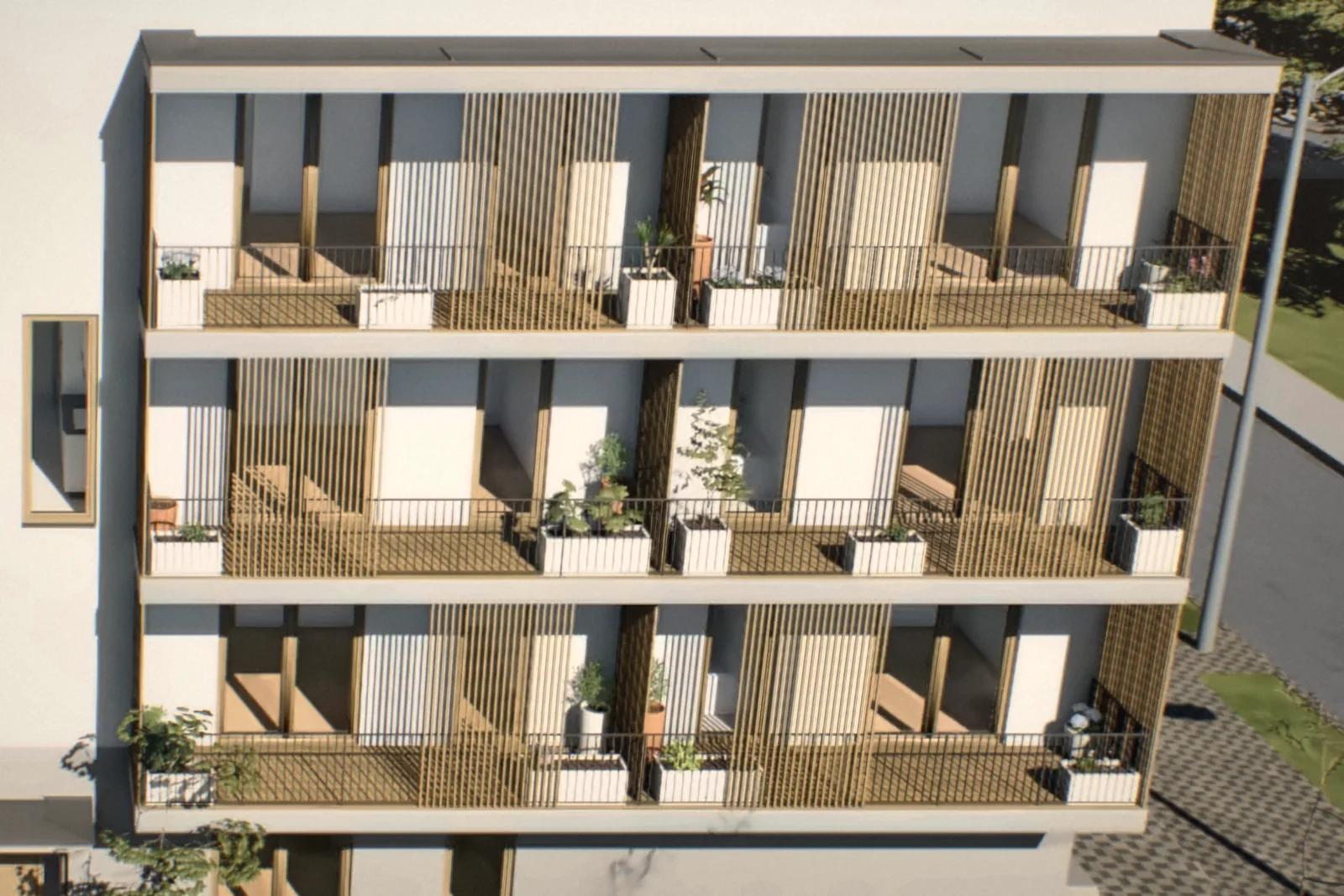
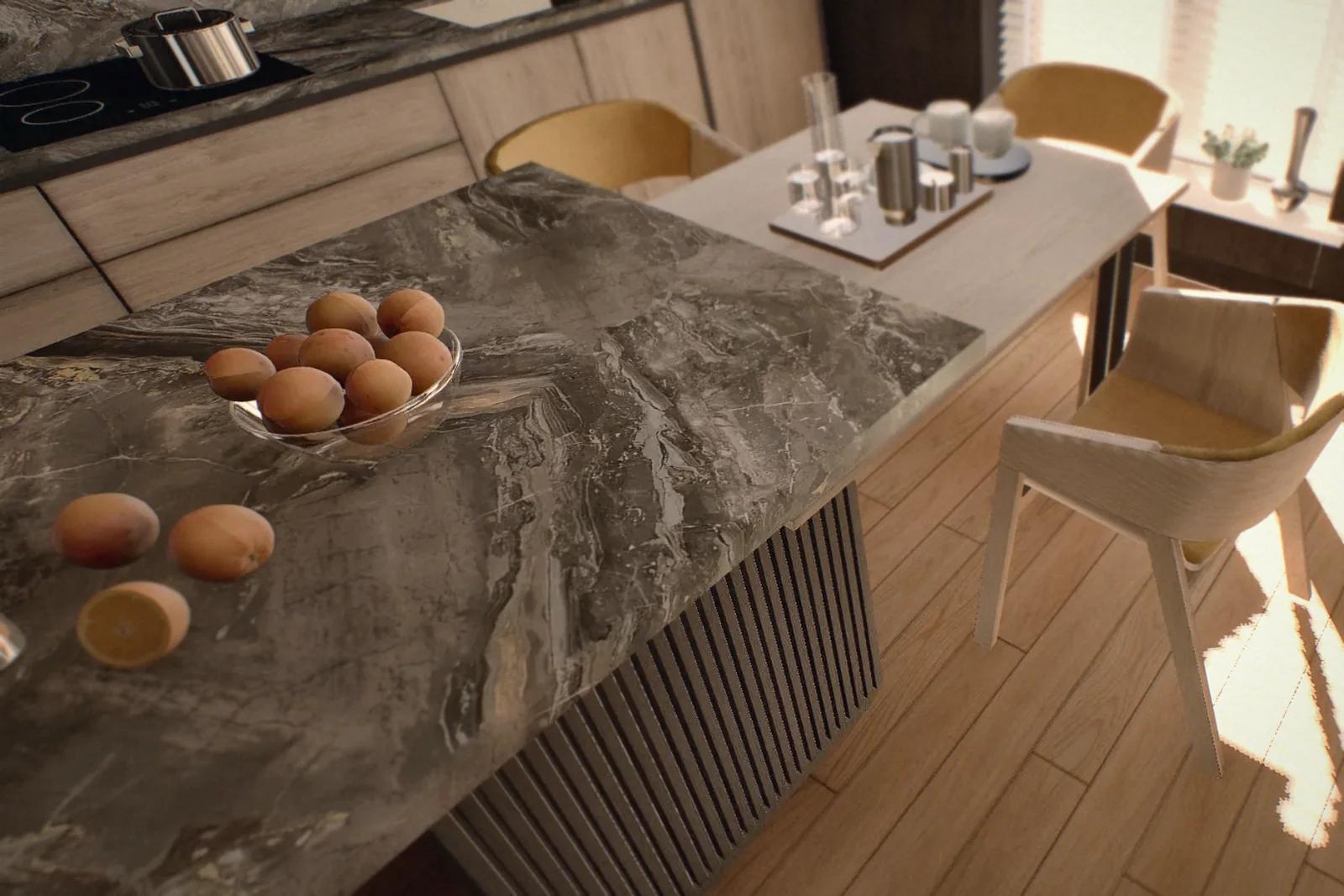
Unreal Engine: one apartment model, three sales channels
When rendering, VR and web suppliers each rebuild the same apartment, inconsistencies and repeated revision costs follow. Here is what changes when all three start from one source model.
Brickless Team4 min readTürkçe oku
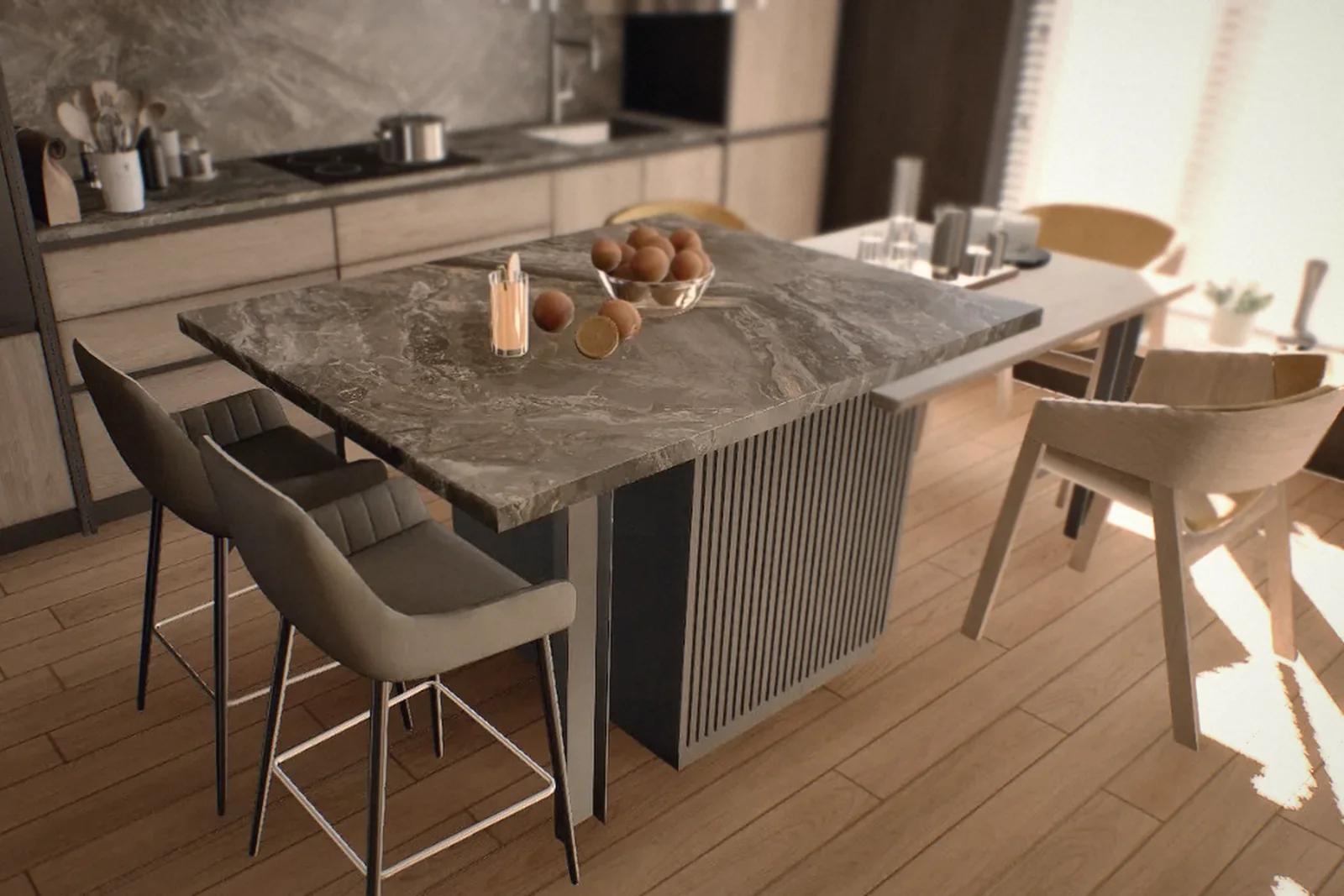
Unreal Engine makes it possible to use one source model across a development’s web tours, VR experiences and sales-office presentations. That matters because property visuals are often commissioned as three separate jobs: a rendering studio produces images and film, a VR supplier builds a tour and a web agency puts together the online experience.
Each starts from the same architectural design but may rebuild the apartment independently. The kitchen in the brochure ends up a different colour from the kitchen in VR. The online plan misses the latest revision. A material change means three separate briefs. Buyers notice those differences, and each can weaken their confidence.
What does Unreal Engine change?
Traditional rendering can take minutes to calculate a single frame. Real-time engines draw images many times per second. New Zealand studio Buildmedia reports producing a 95-second 4K animation on one computer in around two hours. Its comparison with a conventional workflow assumed half an hour per frame—roughly 700 times longer. That is a project-specific example, not a universal performance benchmark.
The more important change is that the model becomes a place a buyer can explore. Materials can be changed and the time of day adjusted to show how sunlight moves through a room.
One source model, three uses
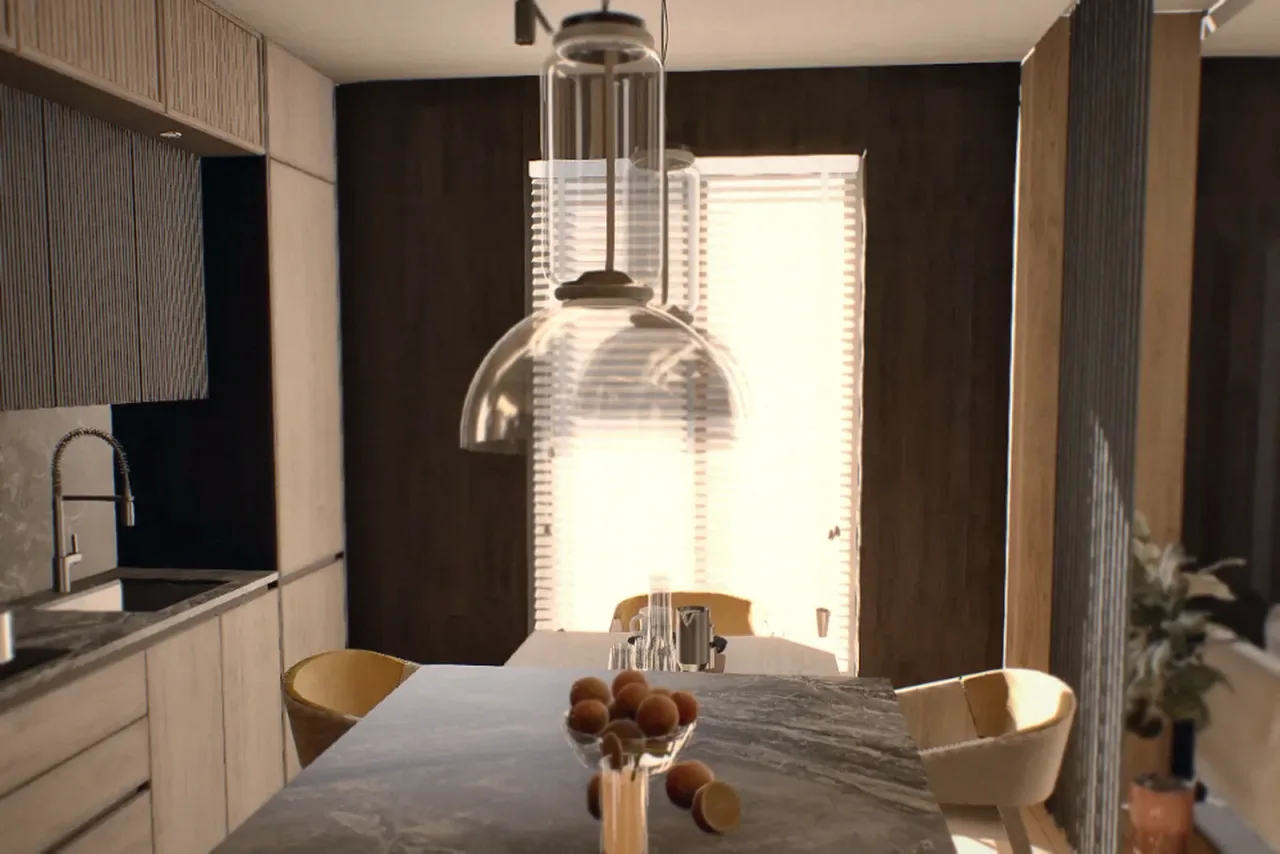
At Brickless, we build one Unreal Engine source model and adapt it for three settings:
- Web: linked video stops introduce the exterior, while an interactive 3D apartment opens in the browser.
- VR: a headset lets buyers explore the apartment at life size in a sales office or at an exhibition.
- Sales-office screen: location, shared facilities, daylight, apartment search and availability sit within one presentation.
Each version needs its own optimisation. The office computer can prioritise visual detail; VR needs consistently smooth performance; the web needs fast loading, with precomputed lighting and video for exterior scenes. A shared source keeps layouts and specifications aligned, while each output still needs to be updated, tested and deployed.
What does the developer gain?
Consistency is the first benefit. When buyers recognise the same kitchen in an advertisement, on the website and in VR, the presentation is easier to trust. That matters especially when the home has not yet been built.
Revision work also becomes more manageable. Plans and materials change during a development. With separate models, a revision may need to be rebuilt and billed several times. A shared source removes duplicated modelling, although channel-specific optimisation and quality checks remain necessary.
The sales launch can also begin earlier. Once the architectural design is settled, the model can be developed and the web, VR and office versions prepared in sequence. The website can collect enquiries before the sales office opens. Our show apartment comparison includes an illustrative cash-flow calculation.
For its Sanctuary Mount Pleasant project in Perth, Australian developer DevelopWise used Buildmedia’s Unreal Engine touchscreen and VR presentation. The company reports no longer needing a conventional show apartment, with meetings initially planned for half an hour extending to an average of an hour and a half. Longer meetings are not a benefit on their own; what matters is whether buyers leave better informed.
Questions to ask a visualisation supplier
- Do the web, VR and sales-office versions use the same source model?
- How long does a layout or material revision take to reach each channel?
- How does the browser tour perform on a mid-range phone?
- Does availability stay consistent between the website and sales-office display?
- Are hardware, installation, support and staff training included?
Frequently asked questions
Why use Unreal Engine for architectural visualisation?
Its real-time rendering supports both animation production and interactive environments. Buyers can explore a model, while design changes can be reviewed without relying only on long offline renders.
Does one model deliver identical performance on every device?
No. A shared source is adapted for each platform: detail in the sales office, smooth performance in VR and quick loading on the web. The design and material specification remain aligned.
Do revisions still need work for each channel?
Yes. Updating the shared source avoids repeated modelling, but the web, VR and office versions may still need optimisation, testing and deployment.