An interactive scale model for the property sales office
A visitor arrives at the sales office ready to understand the project. An interactive presentation can show what a physical model cannot: interiors, daylight, apartment choices and current availability.
Brickless Team4 min readTürkçe oku
An interactive scale model can make a property sales office more useful at the moment a buyer is most engaged. Advertising, phone calls and appointment setting have all led to this visit. Yet many offices still greet the buyer with the same tools: a model under glass, a few wall-mounted renders and a brochure.
A physical model can be attractive and helpful for understanding the overall scheme. Its limits are just as clear: it cannot take someone inside an apartment, demonstrate changing sunlight or identify which units are still available. Every visitor sees essentially the same presentation.
What can an interactive scale model show?
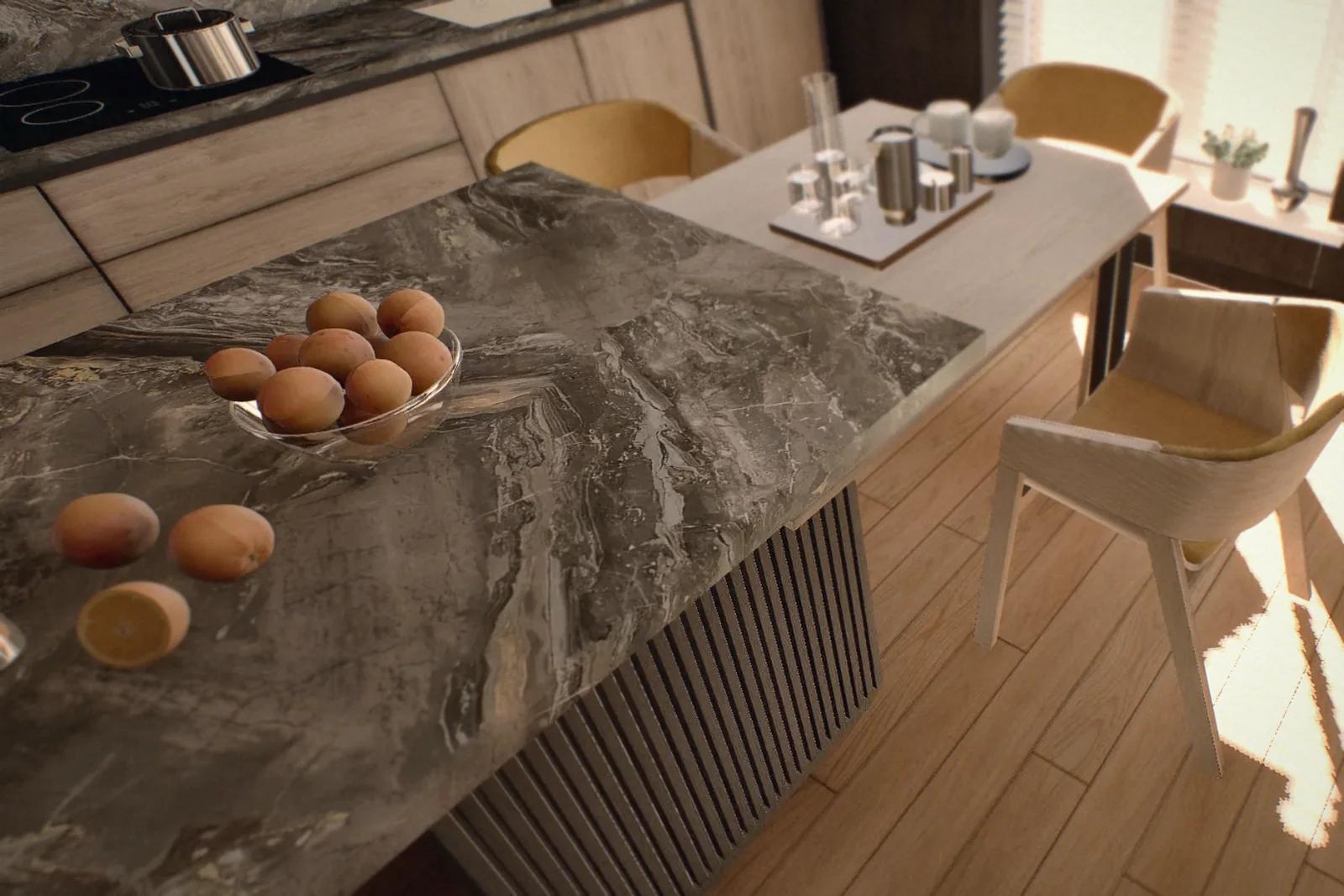
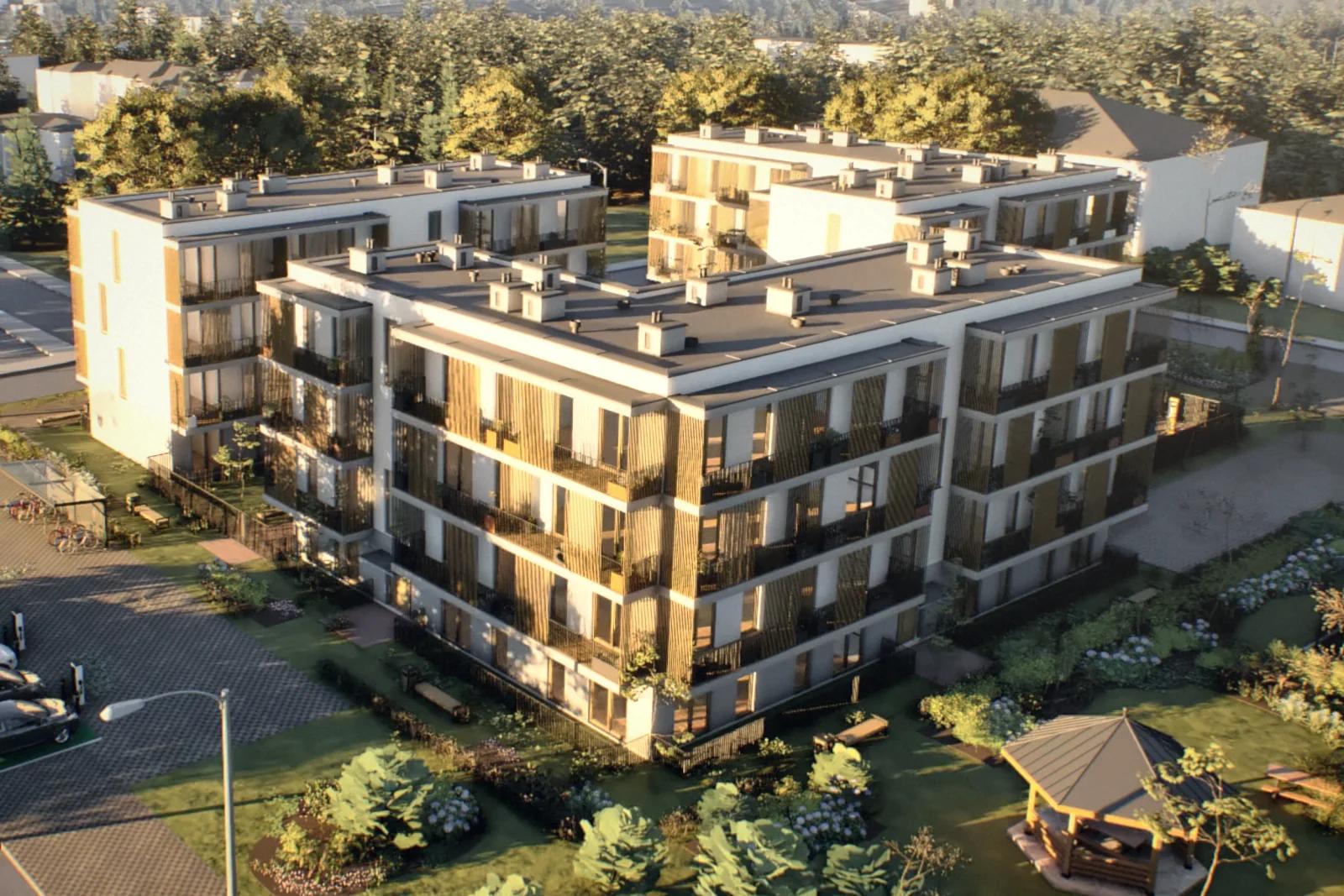
Our demo development brings several layers of information together on a touchscreen: the location and surrounding area; shared facilities such as tennis and basketball courts, roof gardens and electric-vehicle charging; each block’s floors and apartment plans; filters for bedroom count, floor area and level; and colour-coded available, reserved and sold units.
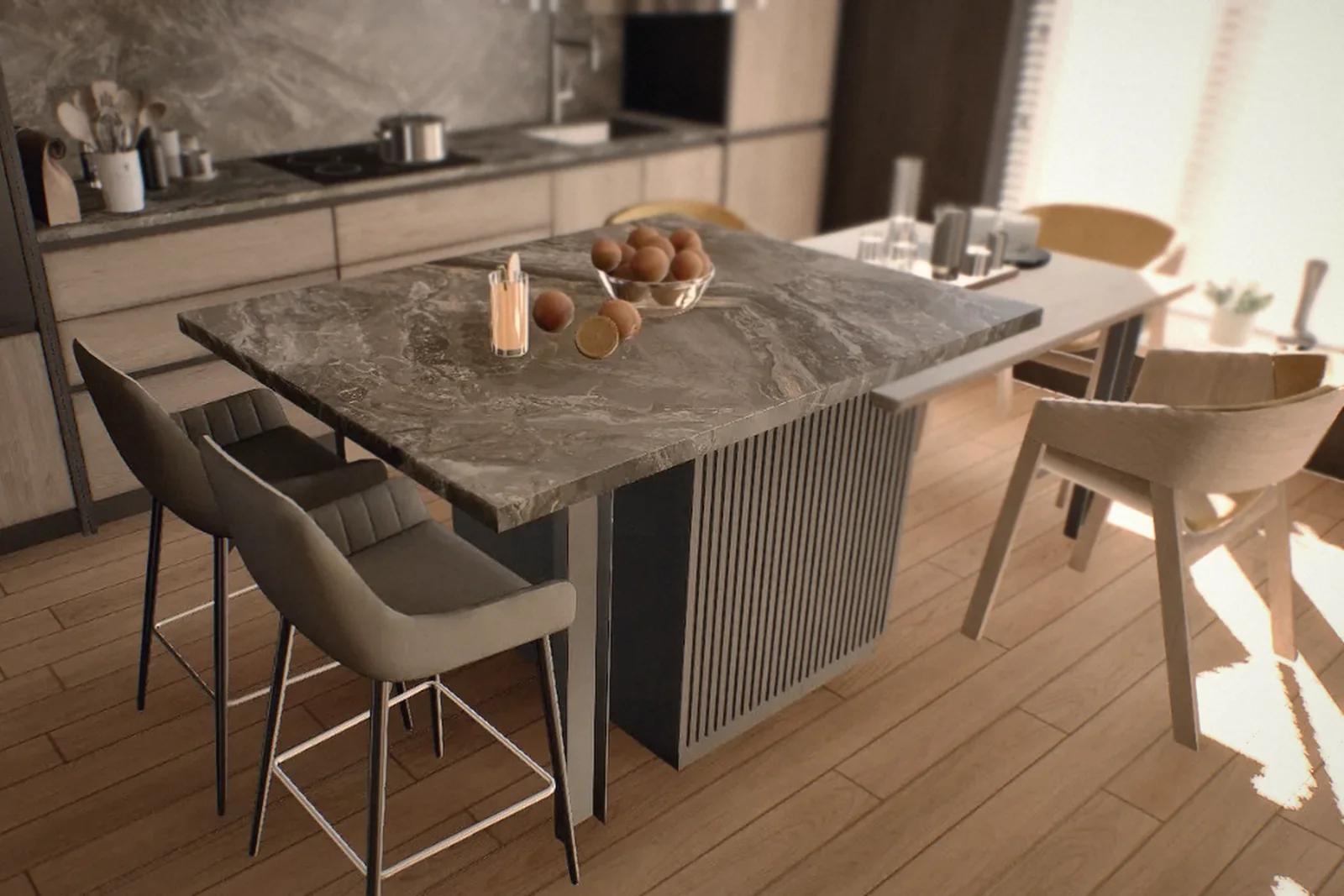
From the screen, the buyer can move to a VR headset and explore the selected apartment at life size.
Australian developer DevelopWise reports that, after introducing a comparable touchscreen and VR system, meetings scheduled for half an hour extended to an average of an hour and a half. The company says buyers understood the project in one visit. In the UK, Elivia Homes reported five sales in the first three weeks using a compact sales point with VR. These are individual project examples, not predictions for every development.
Explain price differences with daylight
Two apartments with the same layout may differ in price because of their floor, orientation or view. An adviser saying “this one gets more sun” does not always make the difference tangible.
Showing the apartments and adjusting the time of day makes the conversation more specific. Does winter afternoon sun reach the living room? When does the balcony fall into shade in summer? A location- and orientation-based simulation can help explain those differences. State the assumptions and distinguish a visual demonstration from a formal daylight assessment.
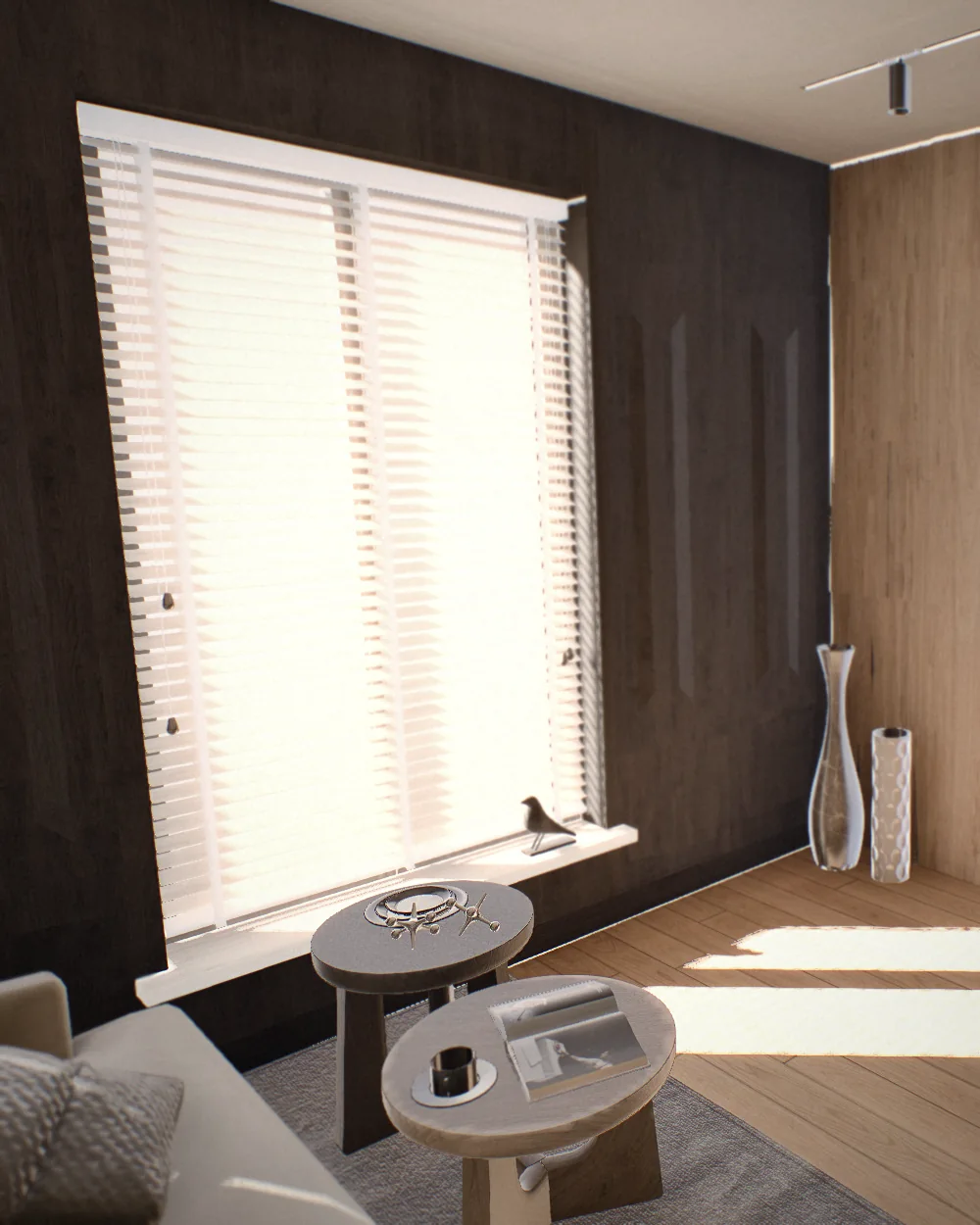
Afternoon
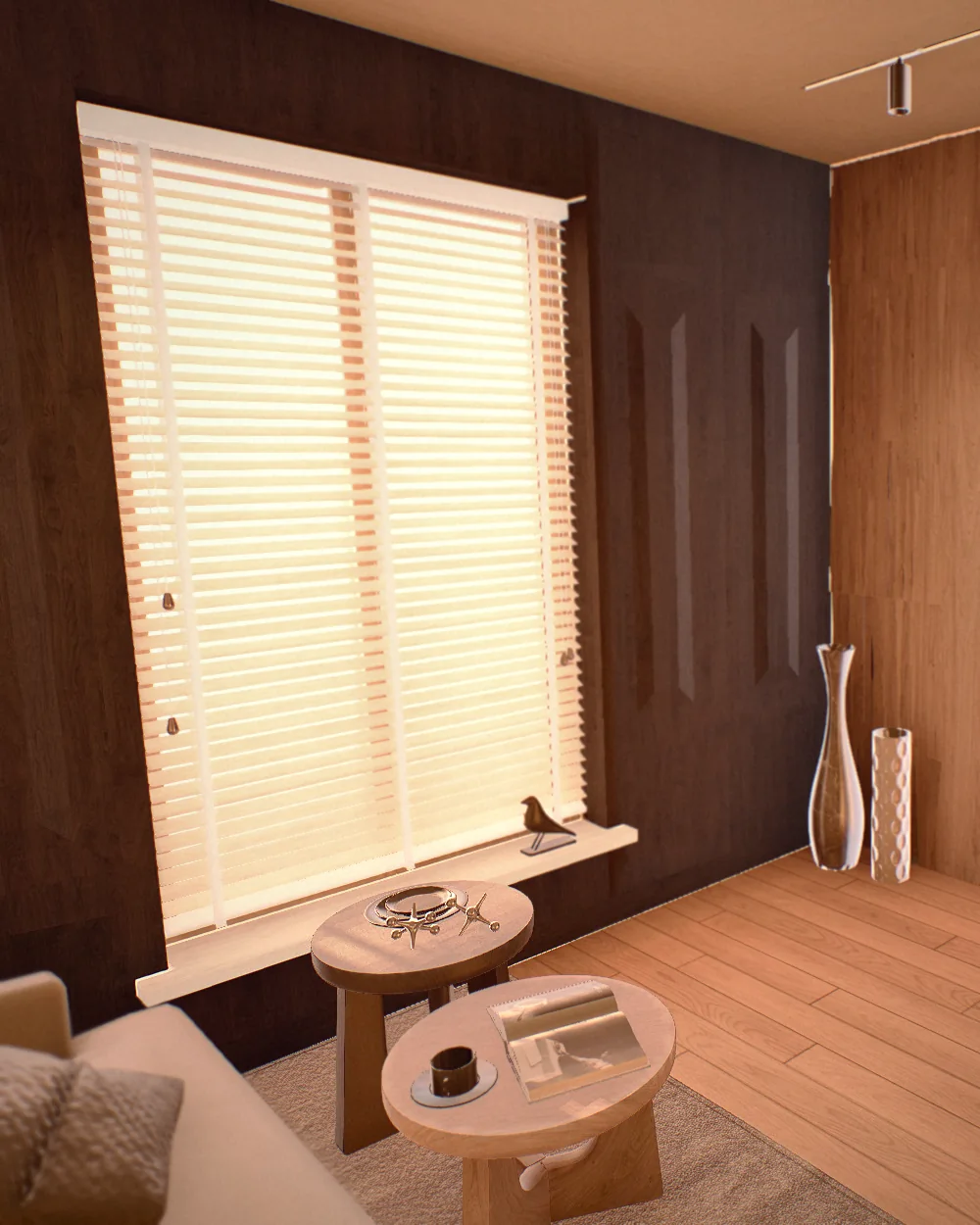
Sunset
Keep availability clear and current
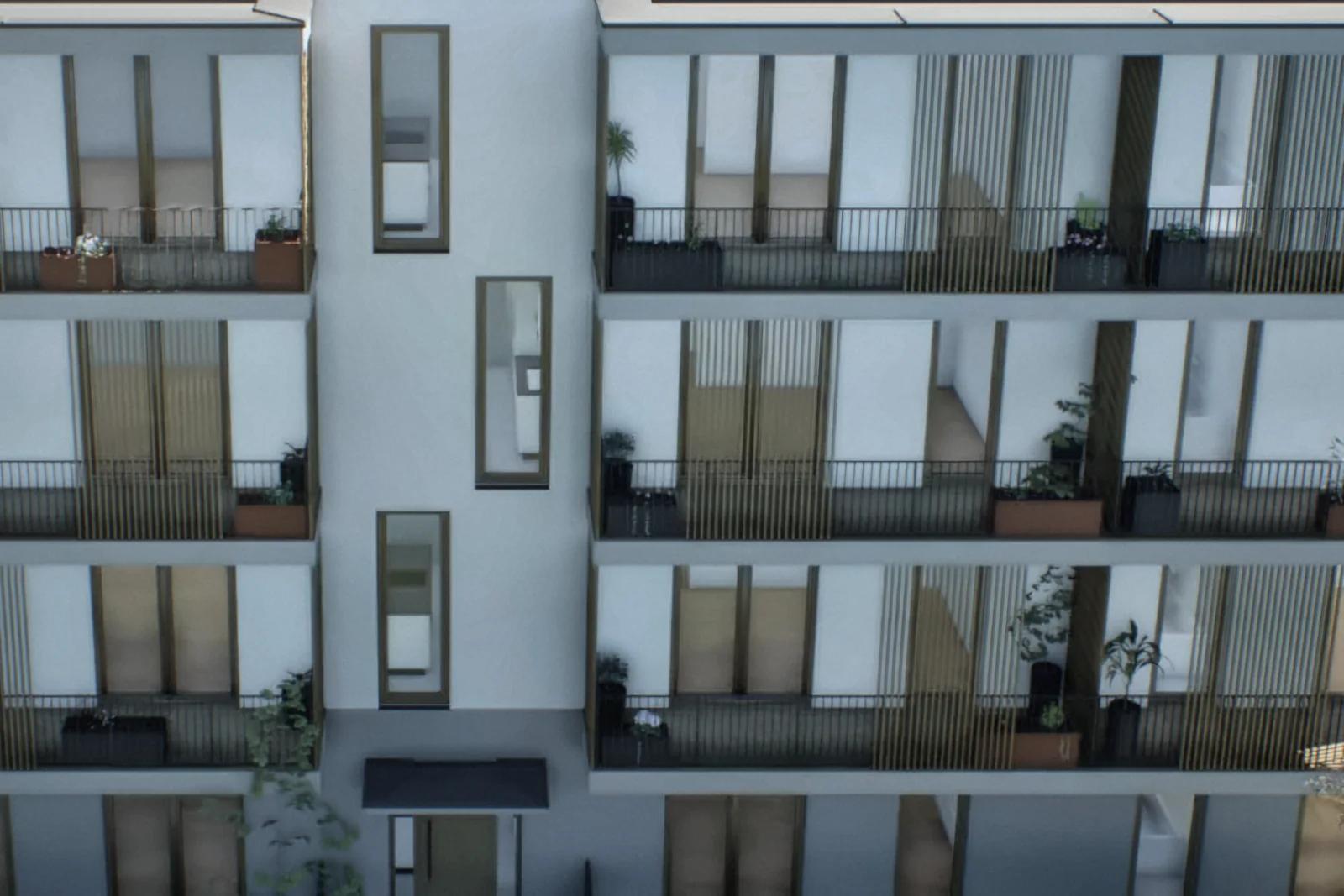
Marking reserved and sold apartments on the building helps buyers understand their remaining choices. It also gives advisers a common reference.
When availability is maintained in one system and connected to the office screen, website and advisers’ tablets, everyone can work from the same information. That depends on a reliable integration and an agreed update process; the 3D model alone does not keep inventory current. A consistent system reduces the risk of recommending a unit that another adviser has already reserved.
Give the presentation a useful sequence
A screen and headset do not sell an apartment by themselves. The adviser still needs to listen, narrow the options and explain the details. A practical sequence is:
- Start with the location. Look at the development from above and relate it to the buyer’s workplace, school and family. A few minutes may be enough.
- Explore the shared spaces. Show the pool, garden, sports facilities and parking so the buyer understands the setting before entering an apartment.
- Narrow the shortlist. Filter by budget and requirements, while keeping sold and reserved units clearly identified.
- Enter the selected apartment. Offer a short VR session—perhaps ten to fifteen minutes if comfortable—and show the layout, light and view.
- Share the apartment link. The buyer can revisit it with family that evening, giving the follow-up call a concrete starting point.
Measure whether it helps
Compare a small set of measures before and after installation: the share of visitors who pay a deposit, the number of days from first visit to deposit, repeat visits before reservation, and the time taken to sell premium floors or views. Consider changes in pricing, advertising and market conditions when interpreting the results.
Longer meetings are not automatically better. The useful question is whether buyers leave with fewer uncertainties and progress towards a suitable purchase. For a comparison with a physical show apartment, see our physical and virtual show apartment guide.
Frequently asked questions
What is an interactive scale model?
It is a navigable 3D presentation on a touchscreen or large display. Buyers can explore the location, shared facilities, apartment options and daylight, with availability information where an inventory connection is provided.
What hardware does a sales office need?
Typically a computer capable of real-time 3D, a touchscreen or large display, and an optional VR headset. Brickless can also provide hardware sourcing, installation, support and team training.
Does every buyer need to use VR?
No. Keep the apartment accessible on a screen for buyers who prefer it or experience discomfort in a headset. VR should complement the presentation, not be the only way to view it.