How to show an apartment’s view and sunlight before it’s built
Show buyers what they could see from a specific window and how direct sun changes. Use stated camera positions, reliable site context and clear scenario labels.
Brickless Team3 min readTürkçe oku
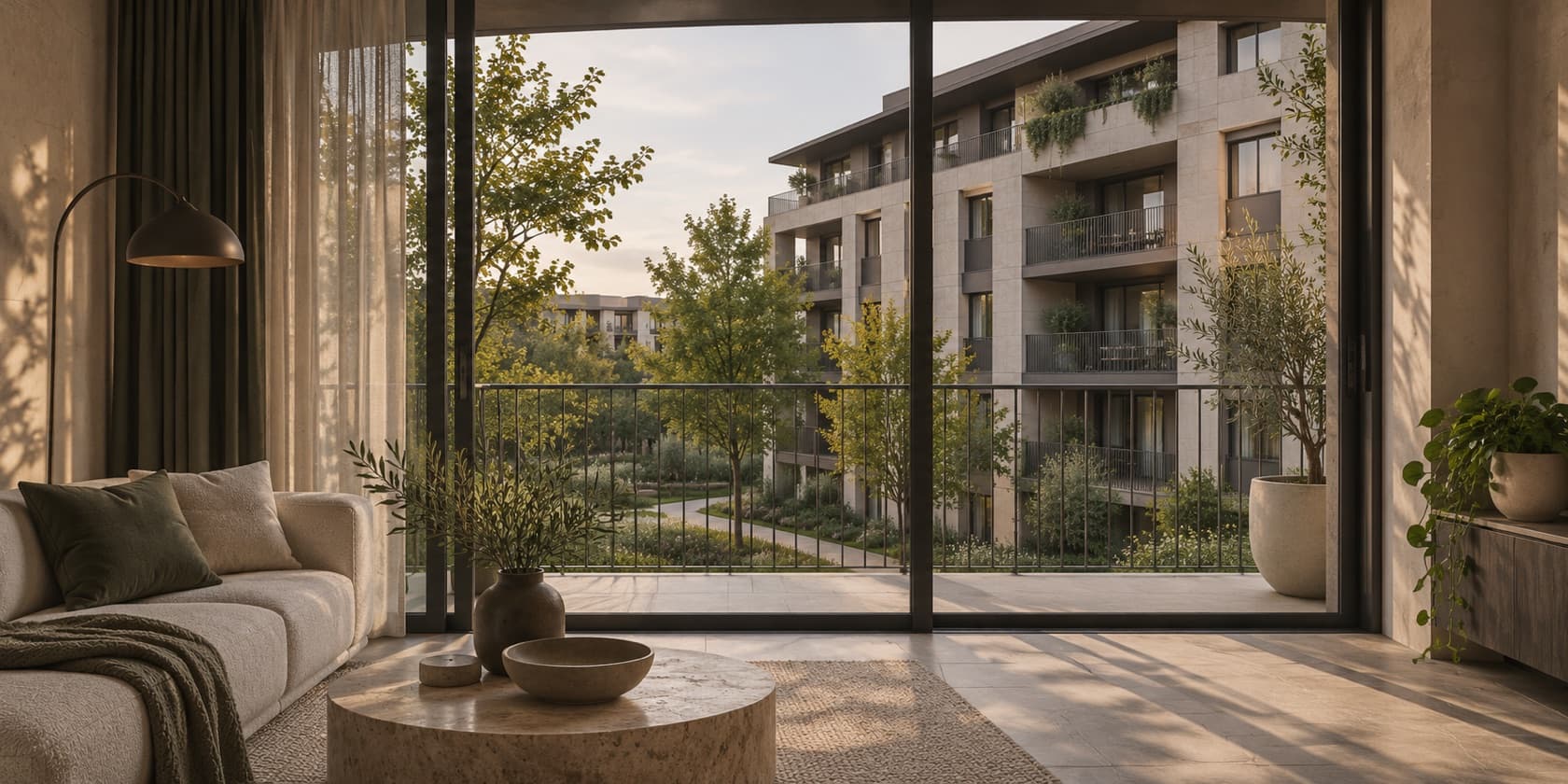
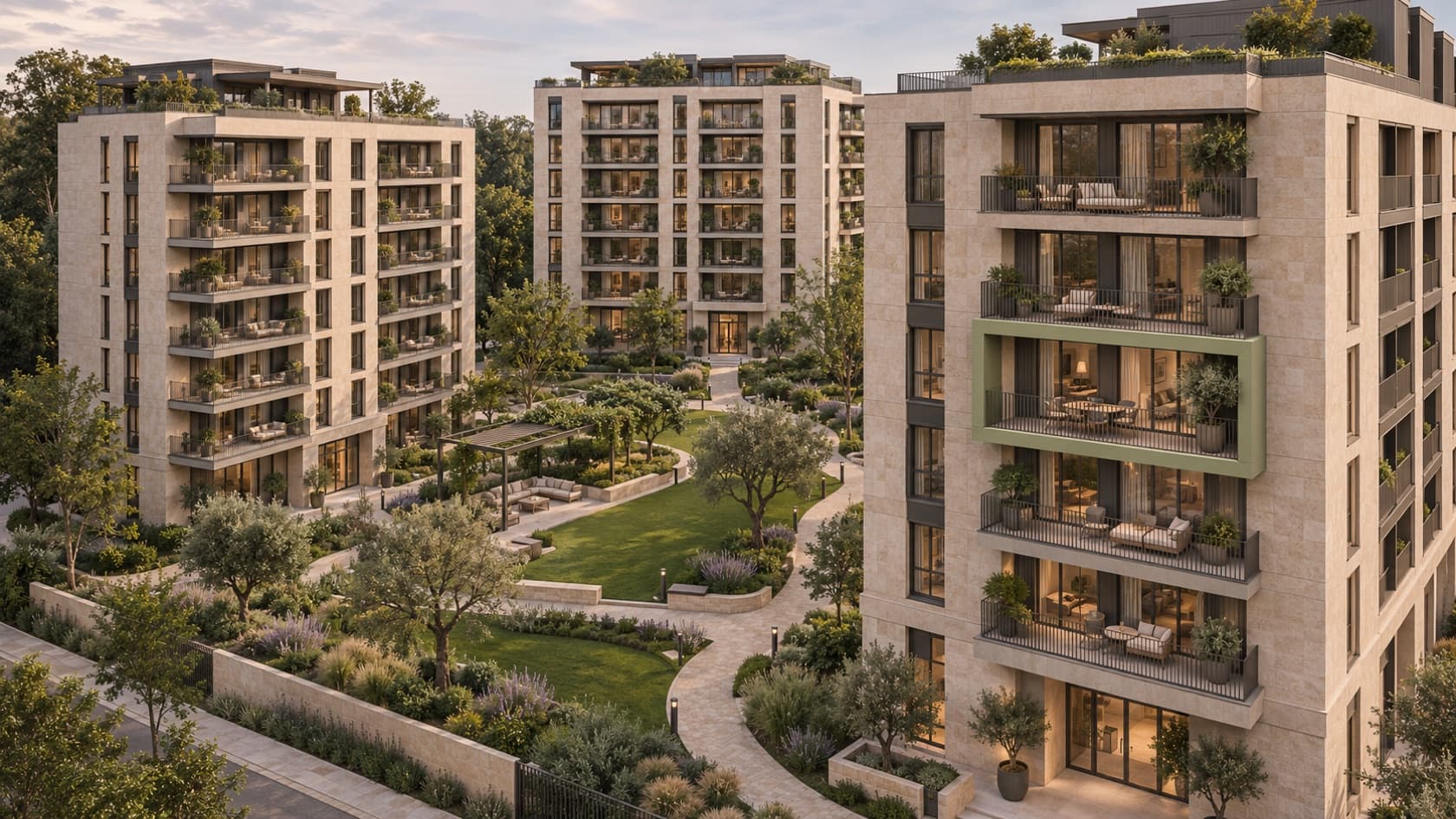
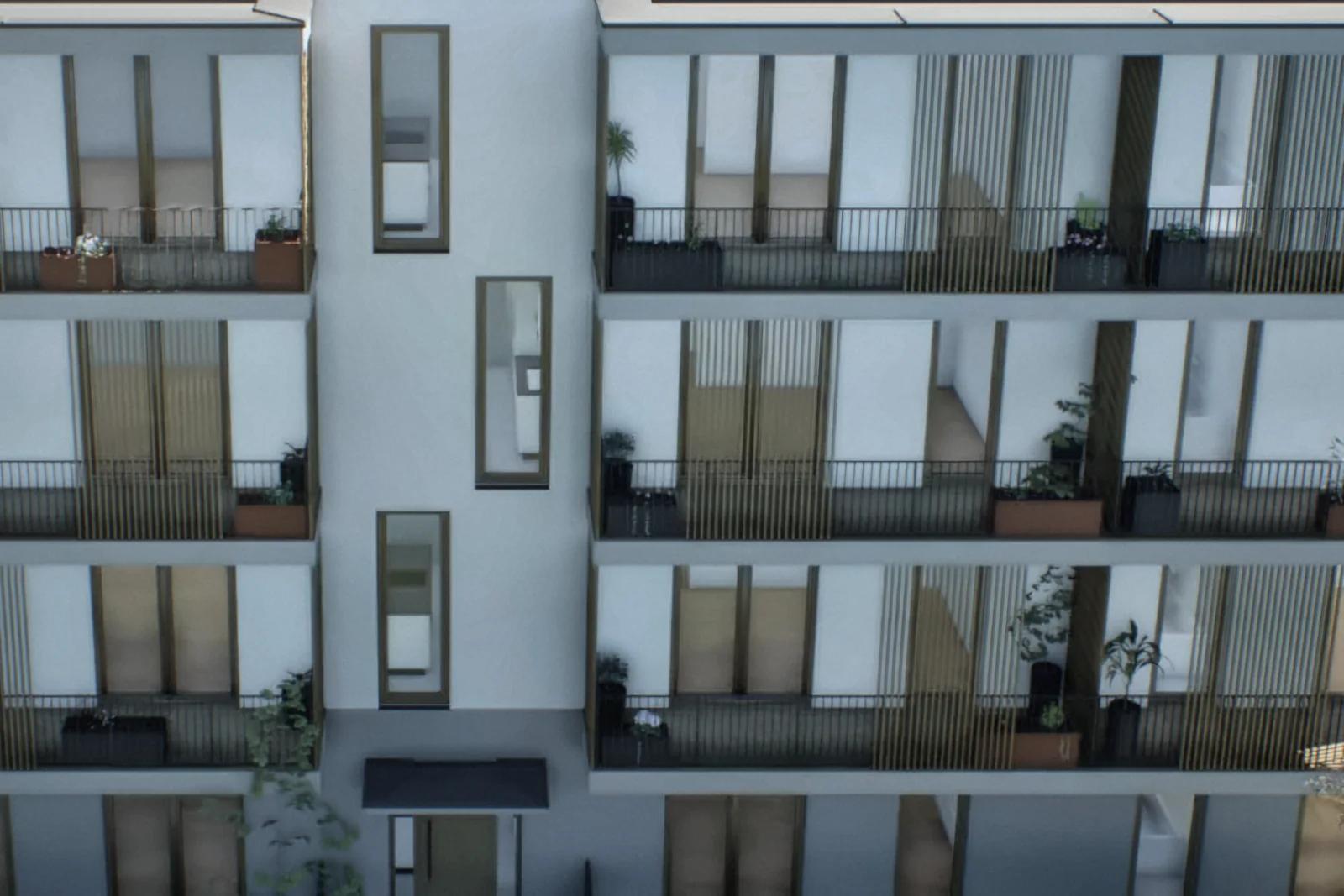
A rooftop panorama may look impressive in a brochure. A buyer choosing a third-floor home wants to know what they can see from its living-room window. A credible apartment view before construction ties the image to a specific unit and viewpoint. A credible sunlight visualisation also tells the buyer which day and time they are looking at.
Put the camera where the buyer will stand
Check true north, the floor elevation and the window position against the site and architectural drawings. Place the camera at a plausible eye height inside the room, at the balcony door or on the terrace. Keep a window jamb or railing in the shot so the viewer can place themselves. Use similar framing when comparing units. A very wide view can make a nearby building look farther away.
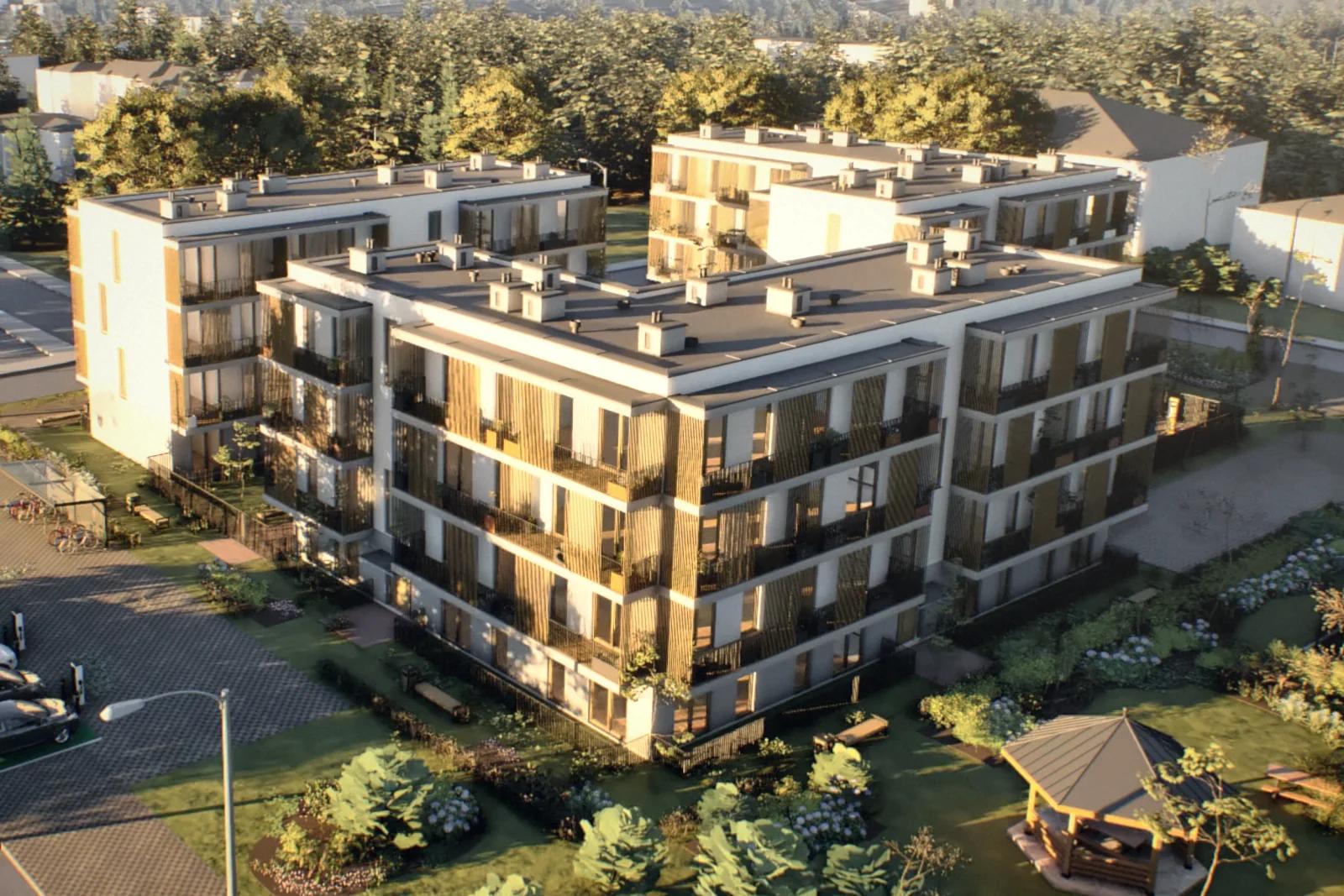
Model the surroundings that affect the view, including terrain, other blocks within the development, neighbouring buildings and relevant vegetation. If you use drone photos, check the capture position and elevation. Label known later phases separately from what exists today, and describe how current the surrounding data is.
Label the day and time when showing direct sun
Sun position varies with location, date and local time. NOAA’s solar-position calculations describe those inputs. At apartment level, overhangs, nearby buildings and the placement of the windows also affect where a shadow falls.
Start with the time of day the buyer cares about. A winter afternoon alongside a summer afternoon may answer more than a single golden-hour image. Keep the camera and exposure comparable from frame to frame. A visualisation can show the pattern of direct sun and shadow under stated assumptions. Assess year-round interior brightness with a technical daylight study.
Give sales staff a label they can reuse
Unit B-407 · Living room at balcony door · 21 December, 15:00 local time · Modelled view · Surroundings model dated November 2026.
This example caption identifies both the apartment and the scenario. Keep it attached when the image goes into a follow-up email, the website gallery or the sales-office display. Confirm the camera position before reusing an image for a different floor or room.
Try a comparison using two apartments
Pick two homes with the same floor plan on different floors. Hold the time and framing steady, then show the outlook from the living room of each home. How much of the courtyard can someone see? Where does the neighbouring block sit in the frame? The comparison gives a sales adviser a straightforward way to explain why height changes the experience.
Attach each view to the relevant home in your interactive apartment selector. If the layouts also differ, pair the views with dimensioned and furnished floor plans.
Frequently asked questions
Can a drone photo show what buyers will see from an apartment?
A drone photo can document the surroundings. To represent an individual apartment, match the capture or modelled camera to the relevant floor, window position and approximate eye height.
Does a sunlight visualisation predict how bright a room will feel every day?
It can illustrate where direct sun falls under particular assumptions. Sky conditions, glazing, room geometry and interior surfaces also affect brightness. Use a separate technical daylight study to assess performance.