How to build an interactive apartment selector
Plan the journey from site map to individual unit, choose what each apartment card should show, and keep availability consistent across the website and sales office.
Brickless Team3 min readTürkçe oku
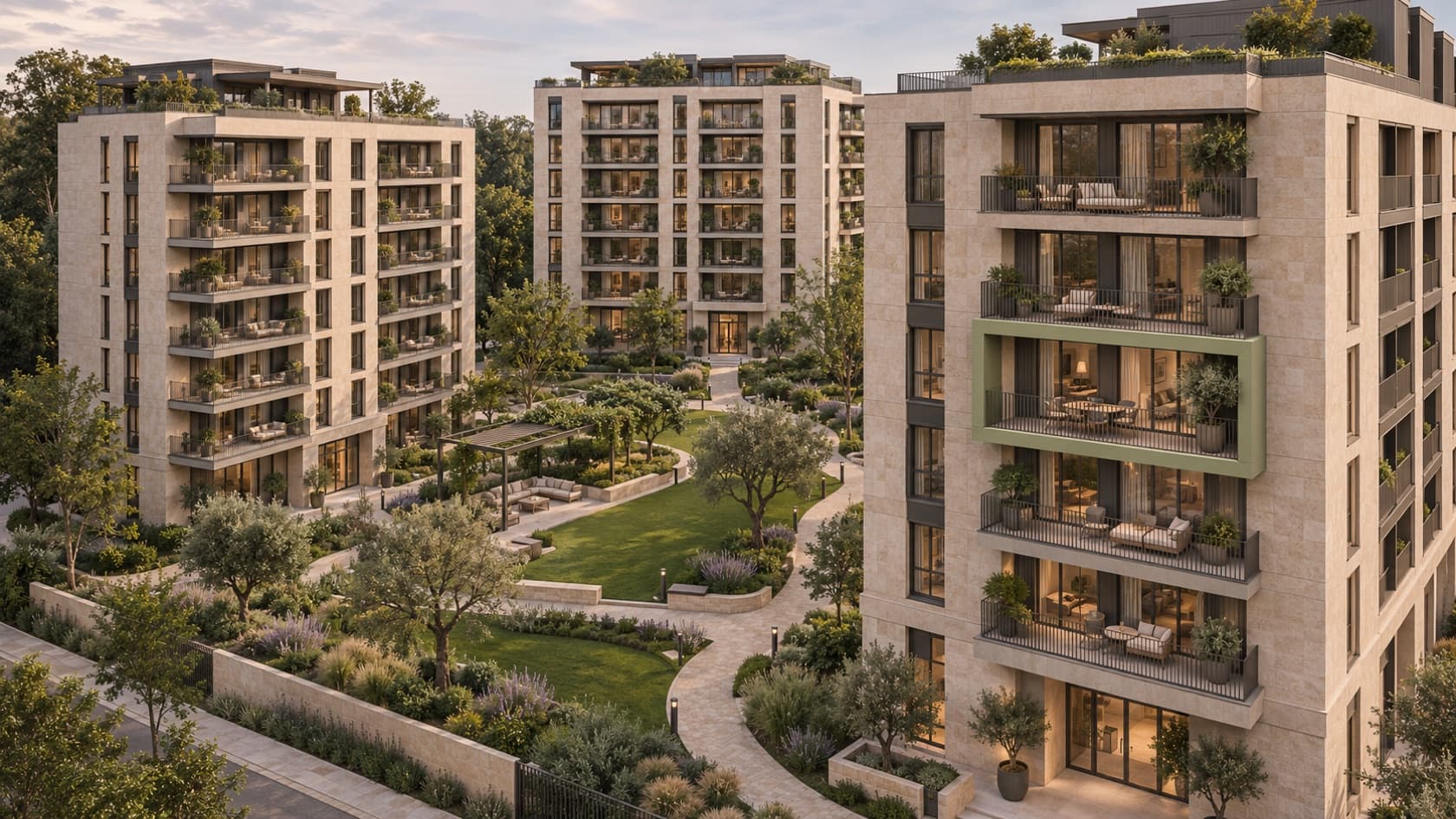
“Which courtyard-facing two-bedroom homes are still available above the third floor in Building B?” An interactive apartment selector lets a buyer answer that question directly. It connects the site plan, building, floor and individual home so that a visitor can open the right plan and ask about the same unit without reading the development brochure side by side with a price list.
Let buyers move from the site to a specific home
Start with the site plan so people can see entrances, shared spaces and how buildings sit in relation to one another. From there, make it easy to choose a building and floor. Offer a list view too, for buyers who already know the home they want or prefer to filter a list.
Imagine a family looking for a courtyard-facing, two-bedroom home near the lift. They filter for bedrooms and orientation, then open Unit B-407 and Unit B-607. The homes can share a type plan if the layout is identical. The unit reference, floor, orientation, position and availability still belong to each home.
What should a unit card show?
| Field | What to include |
|---|---|
| Identity | Unit reference, building, floor and bedroom count |
| Area | Clearly labelled area figures and the basis of measurement |
| Position | Location on the floor, orientation and balcony direction |
| Plans and imagery | A plan that can be enlarged on a phone and any imagery specific to the unit |
| Availability | A written status such as available, reserved or sold |
| Next step | A shareable link or an enquiry that includes the unit reference |
Colour helps people scan a floor map. Use the same written status on the unit card and list so people can read it without relying on the colour. The W3C guidance on use of colour explains this principle.
Give someone ownership of availability
Choose the authoritative source for unit status. It might be your CRM, an admin panel or one controlled inventory list. Give each home a stable unit reference so that both the website and sales office recognise the same apartment. Agree who records reservations, how expired holds are reviewed, and how quickly changes should reach the public page.
If an update feed is unavailable, show when the information was last confirmed or direct buyers to the sales office for confirmation. Run a test in which two advisers look up the same home while a reservation is being entered. It’s a practical way to spot gaps between the display and the sales process.
Run three tests before launch
- On a phone, can a buyer find two matching apartments and enlarge both floor plans?
- If a unit is reserved, do the website and sales office agree? Does an existing shared link still open that unit with its updated status?
- After a type-plan revision, do all affected units show the current drawing? Does an enquiry reach the team with the correct unit reference?
Pilot one building and one floor. A buyer and an adviser should be able to find the same home by reference and confirm its status. If the selector is going onto an existing website, see our guide to turning development website visits into appointments.
Frequently asked questions
Do we need a 3D model to launch an apartment selector?
No. A clickable site plan, building or floor drawings, readable unit cards and a reliable availability source can support the first version. A 3D view is especially useful for showing where a specific home sits in the development.
Does a unit selector need to show public prices?
No. You can display prices or offer a price enquiry that carries the selected unit reference. If you publish prices, make the date and what is included clear.